Our digital saving app is unavailable on 7 and 8 March while we upgrade our technology, ready for the future. This work will help us to continue to give you great service. Our app will be back online Monday morning. Thank you for your patience.
This page will take you through the three steps to easily open your online account so that you can start saving for the things that matter to you. You can open an account online using your desktop browser or on your mobile and then once you're set up, download our app so you can manage your account from your phone.
If you want to manage your savings in any of our branches please look at our branch savings accounts.
You'll need a UK government-approved photo ID, such as a valid passport or driving licence. ID verification will be completed by Onfido.
To make a deposit into your account, set up a payment from your nominated bank account using:
You can find your account number in the 'Accounts' section when you log into your account.
When making your first deposit, the funding window may vary depending on which product you’ve opened however you’ll have 14 days to make your first deposit before the account automatically closes. Don’t worry, we’ll remind you to make a deposit before that happens.
A deposit typically takes two hours to show in your account but can take up to 24 hours.
We’re working hard to bring digital features to our branch customers and at the start of 2026 we launched certain passbook services online.
What’s changing? You can now link your branch account to our online service to view your balance and transactions 24/7.
How to get set up: To help us keep your data secure, this feature needs to be activated in person. Next time you’re passing by, just pop in and chat with the team. We’ll get you set up in a few minutes so you can start viewing your account on your phone or computer.
No. Right now, online accounts can only be managed online or through the app.
If you want to manage your account through your local branch you'll need to open a branch savings account.
No, at this time you can't access your mortgage account through the app. However, we're actively working on adding this feature in a future update.
There are a few reasons your account might not be accepted:
What type of account do I need to link?
Your nominated account must be:
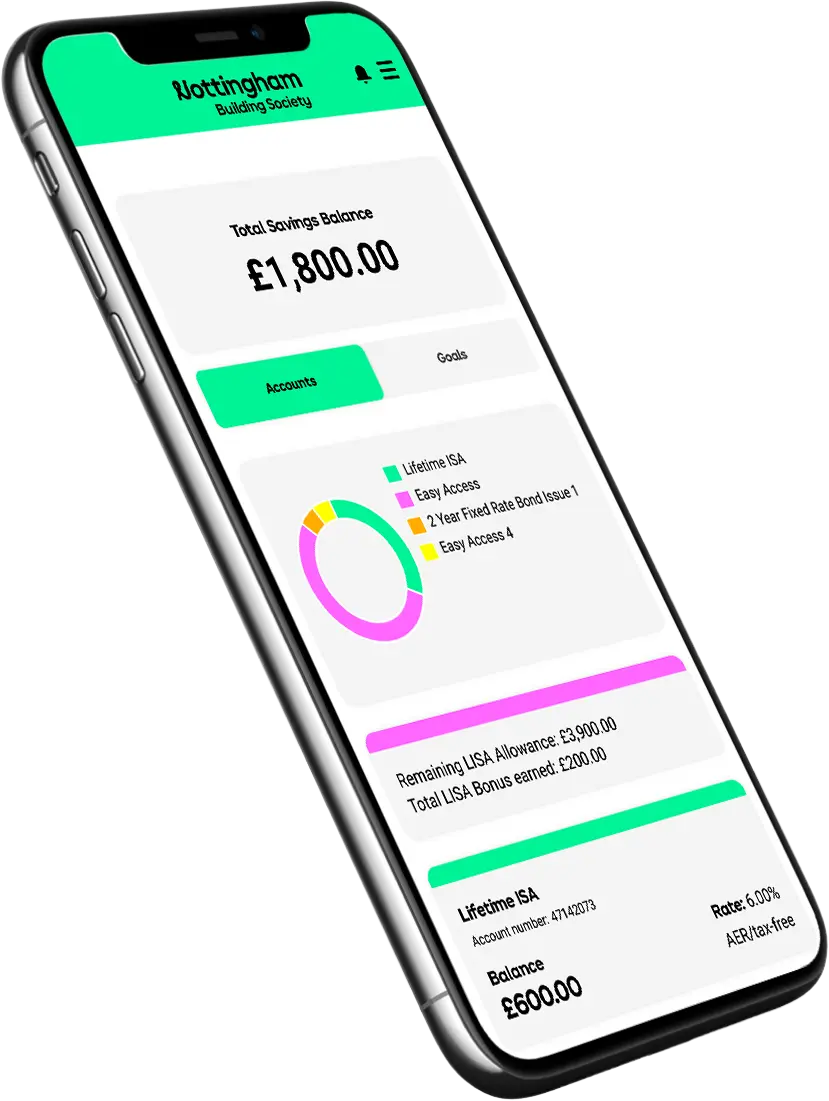
Log into your account, tap 'Accounts,' and select the one you need. Your details will show up on the next screen.
Make sure you're typing it in manually. Copy and paste may not work!
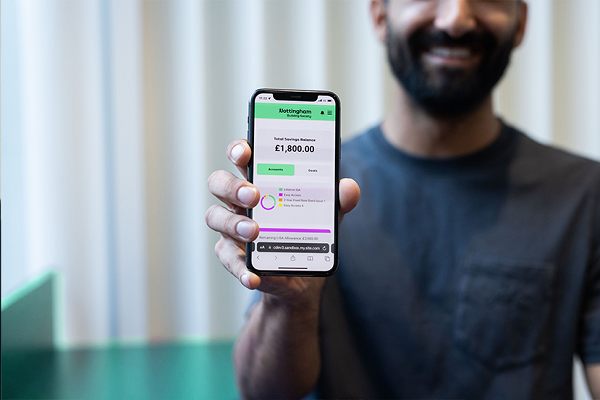
You can manage your online account either through our app or website. If you haven't already, download our app so you can manage your savings on the go, or you can log in online here.
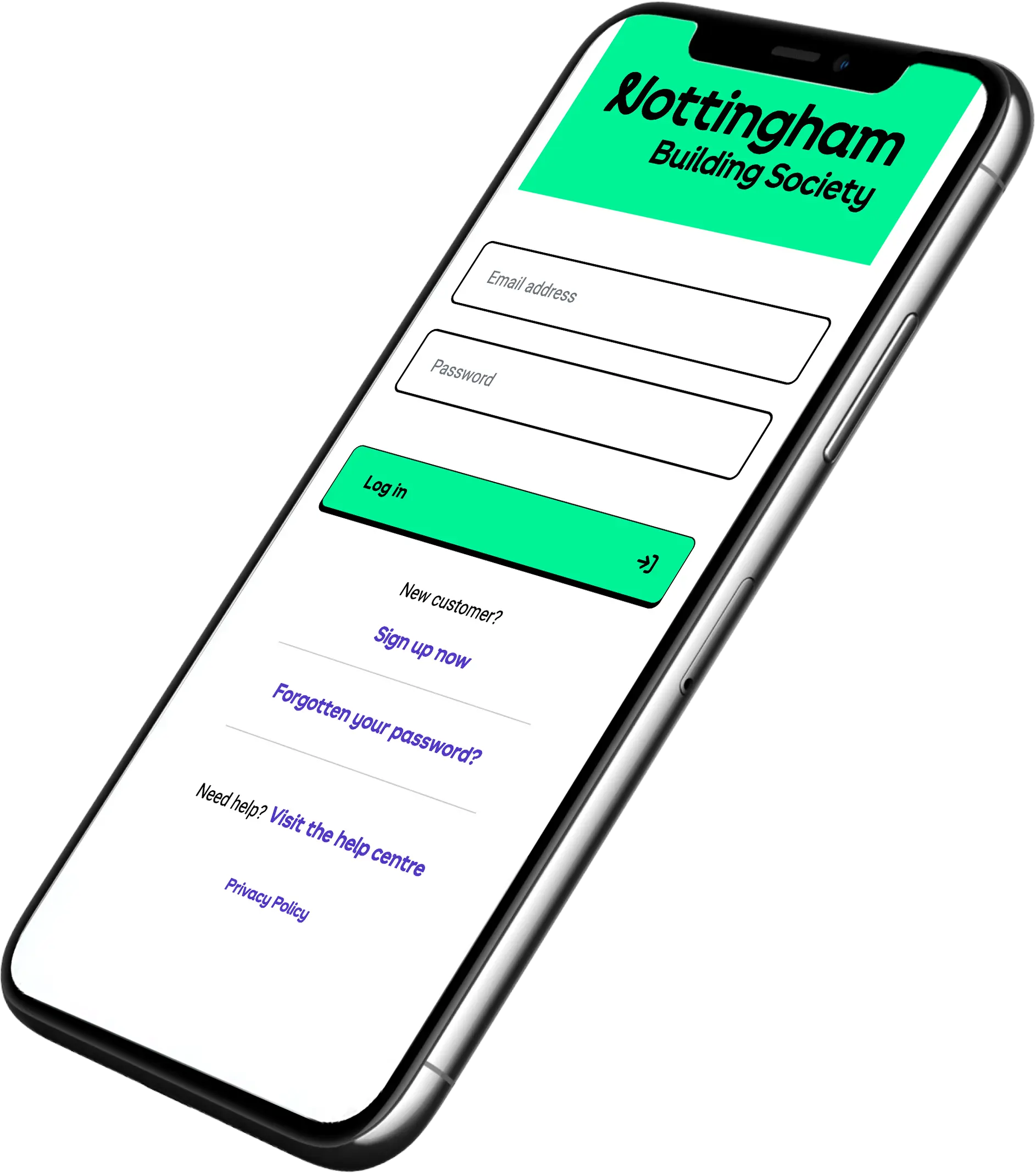
If you're accessing your account for the first time you'll need to register. Enter your email address and unique security code that we've emailed you. If you can't find your security code you can request a new one.
If you've already downloaded the app, please uninstall it before registering. If you're still having problems, call 0344 481 0933 and talk to our support team.
New and existing members looking to open an online account can contact us by:
Our working hours are:
Registration to open your first Nottingham savings account is quick and only takes a few minutes. Then download our app and manage your account from your phone.
If you already have a Nottingham Building Society savings account, opening another is easy. Log in and click on 'Add a new savings account'.
Opening a savings account should be straightforward and effortless. No long forms. No endless steps. Just a quick, hassle-free way to start hitting your savings goals.
For a second consecutive year we've received a 5-star rating from Moneyfacts, a trusted industry expert, for how easy it is to open one of our online savings accounts.
From your phone, tablet or computer, you’re only a few taps away from getting started. Why not see what all the fuss is about?
Open an online account